TLDR; VPC Flow Logs don't all belong in your SIEM. A log routing layer in front of Splunk can send the flows your detections use to Splunk, keep the full record in low-cost storage, and drop the rest. You cut ingest spend without giving up visibility.
For most security leaders, the SIEM bill is one of the largest lines in the budget, and network telemetry is a big reason why. VPC Flow Logs are a good example. They record every network flow across every VPC in your AWS environment, which makes them valuable during an investigation. It also makes them one of the highest-volume sources you can send to Splunk.
That puts many teams in a familiar bind: pay to index everything, or turn sources off and accept blind spots. Neither is a good answer. The better question is which records belong in Splunk, which belong in cheaper storage, and which don't need to be kept at all. That's what log routing is, and it's a decision your team can make before the data ever reaches the SIEM.
In this post, we'll cover why flow logs are a cost problem, what the native tools can and can't do, and what a log routing strategy looks like in practice.
Why VPC Flow Logs are a SIEM budget problem
Flow logs are high-volume by design. Every network interface produces a record for every flow, aggregated over windows of one to ten minutes, and Nitro-based instances always use one minute or less. Across a large AWS footprint, that adds up to millions of records a day.
Most of those records describe routine traffic: services that already trust each other, talking on expected ports. They rarely trigger a detection, but they're indexed and stored at the same price as the events that do. In practice, flow log records fall into three groups:
|
Record type |
Examples |
Where it belongs |
|---|---|---|
|
Detection-relevant |
Rejected connections, traffic to or from public IPs, sensitive ports like SSH and RDP, unusually large outbound transfers |
Splunk |
|
Investigation context |
Routine internal traffic between known services |
Low-cost storage, searchable when needed |
|
No value |
Empty or skipped records (NODATA, SKIPDATA), health checks, load balancer probes |
Dropped |
The first group is often the smallest. Sending all three to Splunk means paying SIEM prices for the other two.
Why native AWS and Splunk tools only go part of the way
Your team probably has some filtering in place already. AWS and Splunk both offer options, and they're worth using. But each one solves a small piece of the problem.
|
Option |
What it does |
The limitation |
|---|---|---|
|
Capture only accepted or only rejected traffic |
All-or-nothing. Dropping accepted traffic loses investigation context |
|
|
Choose which fields AWS records |
The same fields for every record, whatever its value |
|
|
Amazon Data Firehose + Lambda |
Transform records on their way to Splunk |
Custom code your team has to build and maintain |
|
Splunk ingest actions or Edge Processor |
Filter events before indexing |
Built for Splunk, not for routing across your other destinations |
If all you need is to drop empty and skipped records, Splunk ingest actions are a reasonable place to start. The bigger gap is routing: deciding where each record should go, not just whether to keep it. That decision is where most of the savings come from, and it's hard to make with tools built for a single destination.
What a log routing strategy looks like
Filtering and routing VPC Flow Logs before they reach Splunk comes down to a few decisions. Your engineers will handle the implementation, but these are the choices that set the outcome.
- Start from your detections, not your data. Ask which Splunk searches, correlation rules, and dashboards actually use flow logs. That defines what Splunk needs. Everything else is a candidate for cheaper storage.
- Keep everything somewhere. Route instead of delete. Sending the full record set to S3 or a data lake protects investigations, compliance, and threat hunting at a fraction of SIEM cost.
- Normalize before you route. Mapping flow logs to a common schema like OCSF means network data lines up with identity, endpoint, and cloud audit data. Cross-source correlation depends on it, and so does any AI-assisted detection you plan to run on this data.
- Filter upstream, not inside the SIEM. The earlier you drop or redirect low-value data, the less you pay to move, process, and index it.
- Measure and revisit. Track volume per destination and parsing errors, and review the routing rules as your detections change.
This is the problem we built Fleak to solve. Fleak sits in front of your SIEM, not in place of it. It normalizes, filters, and routes security data, so Splunk receives the flows your detections need and your lake keeps the rest. Your team describes the routing rules in plain English, and Fleak's copilot builds the pipeline. AI writes the config, but a deterministic engine runs it, so production log data never passes through an AI model.
Fleak also handles a cost that rarely shows up as its own budget line: pipeline maintenance. When a source format changes, Fleak detects the drift and redeploys a corrected config, with an average time to heal of about three minutes.
Log routing patterns that work for VPC Flow Logs
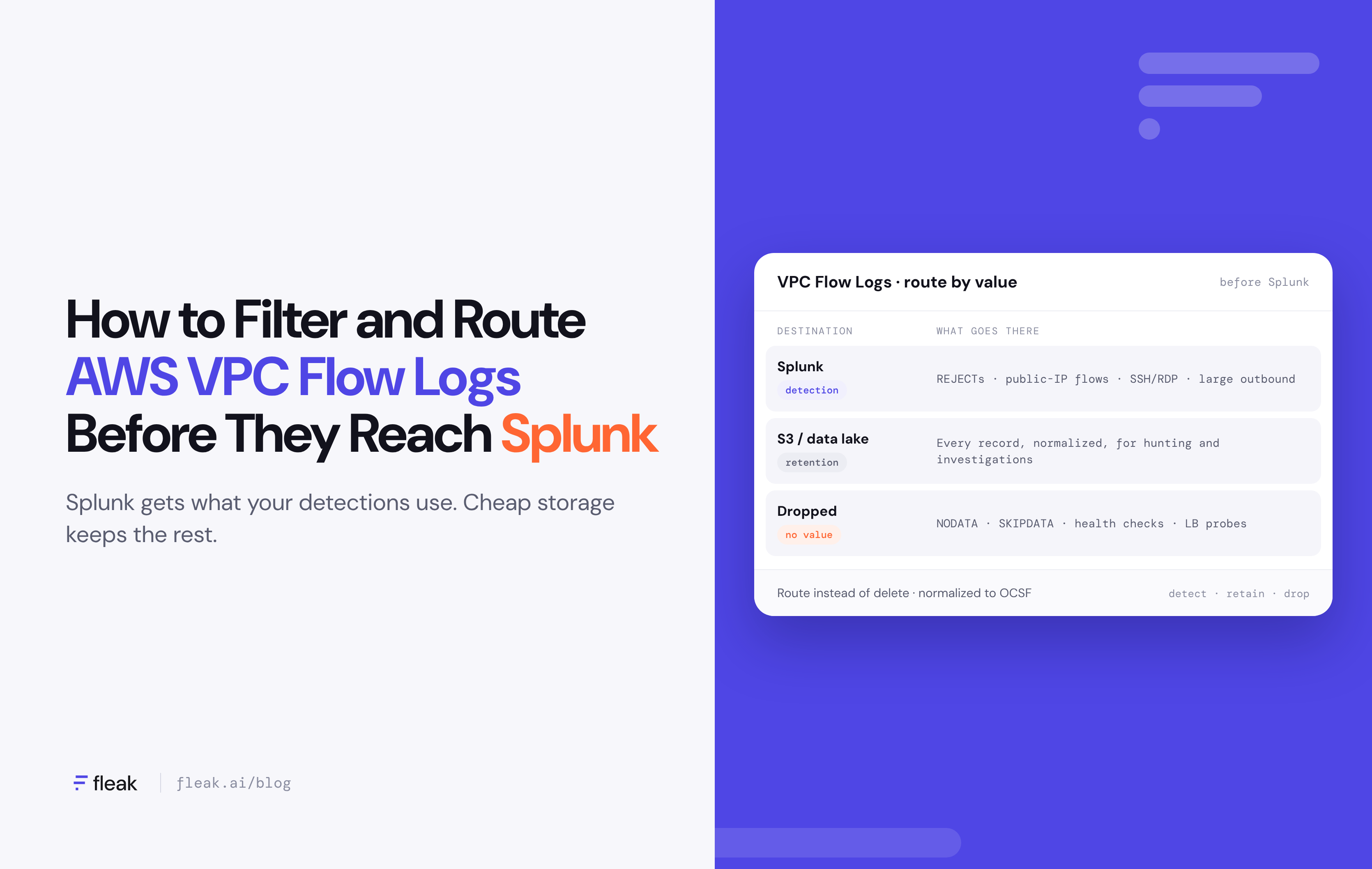
Most teams end up with some version of a three-way split. Splunk gets the flows that feed detections, low-cost storage keeps everything, and records with no value are dropped before they cost anything.
|
Destination |
What goes there |
|---|---|
|
Splunk (detection) |
REJECTs, public-IP flows, sensitive ports, large outbound transfers |
|
S3 or data lake (retention) |
Every record, normalized, for hunting and investigations |
|
Dropped |
NODATA, SKIPDATA, health checks, load balancer probes |
The patterns that tend to hold up over time:
- Detection-first routing. If no detection or dashboard reads a type of flow, it doesn't need to be indexed in Splunk.
- Tiered retention. A short window of high-value flows in Splunk for fast search, and the full history in lower-cost storage for compliance and threat hunting.
- Summaries for high-volume traffic. Hourly rollups of routine traffic keep the trend without the volume.
- Rehydrate on demand. When an investigation needs flows that weren't sent to Splunk, replay only that time window and those hosts.
For security leaders, the practical result is a SIEM budget that tracks detection value instead of raw data volume.
Questions to ask your team
- What share of our Splunk ingest comes from VPC Flow Logs?
- Which detections and dashboards actually use flow log data?
- Where do we keep flow logs that aren't in Splunk, and for how long?
- Is our network data normalized so it can be correlated with identity and endpoint data?
- How much engineering time goes into maintaining parsers and ingestion pipelines?
FAQ
What is log routing?
Log routing is the practice of sending each log record to the destination that fits its value, rather than sending everything to one place. For security teams, that usually means high-value events go to the SIEM, and the rest goes to cheaper storage like S3 or a data lake.
Can we filter VPC Flow Logs in AWS before sending them to Splunk?
Partly. AWS can capture only accepted or only rejected traffic, and limit which fields are recorded. It can't apply conditional rules, such as keeping accepted flows only when they involve a public IP. That takes a pipeline between AWS and Splunk.
Will we lose data we need for investigations?
Not if you route instead of delete. The full record set stays in S3 or your lake, and Splunk gets the subset your detections use. You can search the archive or rehydrate data into Splunk when an investigation calls for it.
How much can this reduce Splunk ingest?
It depends on your traffic mix and detections. Teams using Fleak typically cut SIEM ingest by 60–80%. For VPC Flow Logs specifically, accepted internal traffic is usually the largest share, so that's where most of the savings come from.
Why normalize to OCSF if Splunk has its own data model?
A common schema lets you correlate network flows with identity, endpoint, and cloud audit data across tools, not just inside Splunk. It also makes it easier to move or share data later without rewriting detections.
Does Fleak replace Splunk?
No. Fleak sits in front of Splunk and controls what it receives. Your searches, dashboards, and detections stay where they are; they just run on cleaner, smaller data.
Can Fleak run in our own AWS account?
Yes. Fleak runs as managed SaaS, in your own cloud, on-premises, or air-gapped, so flow logs don't have to leave your environment to be filtered.
Get started
VPC Flow Logs are worth collecting. They just don't all belong in Splunk. If you'd like to see what log routing could do for your SIEM spend, book a demo and we'll walk through it with your team.
See how much of your VPC Flow Log volume you could cut
Get a log volume cost audit for your environment. Most teams start with their noisiest source.
Sources
- Logging IP traffic using VPC Flow Logs: flow log records, AWS documentation
- Using ingest actions to filter AWS VPC Flow Logs, Splunk Lantern
- Ingesting VPC flow logs into Edge Processor via Amazon Data Firehose, Splunk Lantern
- Fleak